From Describing Work to Producing It
Until recently, a typical Claude conversation ended with a recommendation. You would brief the model, iterate on the analysis, and walk away with text. If you needed a visual for a client deck, a board paper, or an internal memo, you opened a second tool — Figma, Tableau, Canva, PowerPoint — and rebuilt the same idea in a different interface.
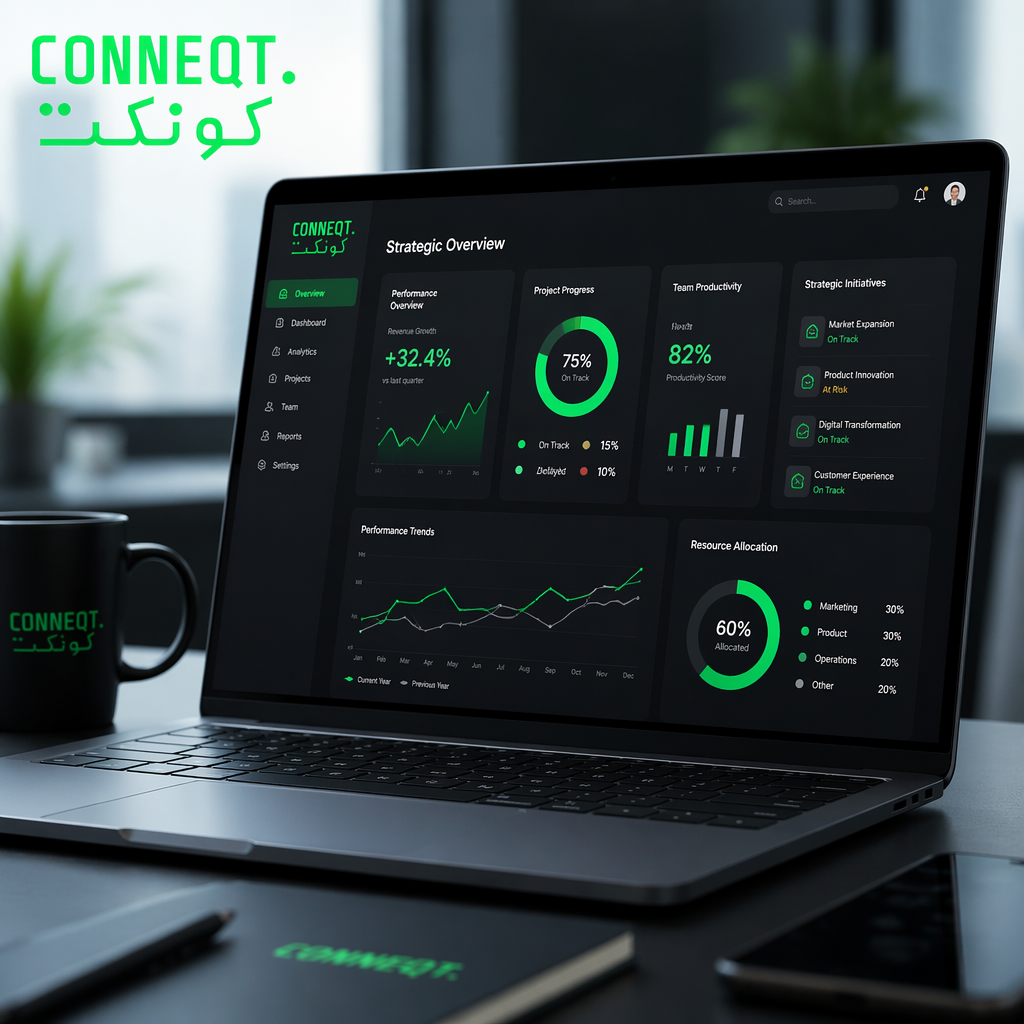
Cowork removes that step. You can now ask for a flow diagram of your customer journey, a comparison matrix of three vendors, a timeline of a rollout, or a chart of projected numbers, and the visual renders inside the same workspace where you were thinking through the problem. It is interactive, which means you can click, adjust, and refine it through the conversation rather than regenerating from scratch.
The distance between idea and artifact is shrinking. That is the real story.
Why It Works Inside Cowork Specifically
Cowork is Anthropic's collaborative layer — where teams plan, run projects, and keep context going across sessions. Putting visuals inside that environment is a smarter move than adding them to a standard chat, because it means the diagrams live alongside the decisions they support. A strategy conversation, a market map, and a Gantt-style rollout plan can now sit in one workspace instead of scattering across four tools.
For anyone running strategy, marketing, consulting, or product work, the practical implication is simple: fewer tools, less context switching, faster turnaround between thinking and deliverable.
The Broader Pattern
Zoom out and this update is part of a consistent direction from Anthropic. The company is not chasing image generation or video or voice. It is focused on making Claude more useful for the specific kind of thinking work that happens inside knowledge businesses. Charts, diagrams, and structured visuals fit that brief.
In the GCC, where many marketing and advisory teams are still assembling their AI stack, this matters. The teams that will pull ahead over the next twelve months are not the ones collecting the most subscriptions. They are the ones who found the tool that collapses two or three steps in their workflow and stuck with it long enough to make it automatic.
Cowork with interactive visuals is one of those collapse points. Worth a serious trial, even if you have already settled on a different primary assistant.
If you are testing Claude Cowork with your team, or deciding whether the upgrade is worth it, the charts and diagrams feature is reason enough to spend a week inside it.